Free Step and Repeat Generator
Create professional logo backdrop patterns for events, press walls, photo booths, and virtual backgrounds. Upload your logo, customize the pattern, and download high-resolution images.
1. Upload Your Logo
2. Customize Pattern
Offset pattern is the classic step and repeat look
3. Output Settings
Live Preview
Preview is lower resolution. Download for full quality.
Pro Tips
- Use PNG with transparent background for best results
- White logos on dark backgrounds create the classic press wall look
- For print banners, use the 300 DPI preset for crisp results
- Offset (brick) pattern is the traditional step and repeat style
How to Create Your Step and Repeat Background
Create professional event backdrops in four simple steps
Upload Your Logo
Upload your company logo, brand mark, or sponsor logos. PNG with transparency works best.
Choose Pattern Style
Select grid (straight rows) or offset (brick pattern) layout. Offset is the classic step and repeat look.
Customize Design
Adjust background color, logo size, spacing, and opacity. Preview changes in real-time.
Download & Use
Export high-resolution PNG for printing banners, virtual backgrounds, or digital displays.
What is a Step and Repeat Background?
A step and repeat is a backdrop featuring a repeating pattern of logos or brand elements, commonly seen behind celebrities on red carpets, at press conferences, and corporate events. The name comes from how photographers capture subjects: the person "steps" into position, pauses for photos, then "repeats" the process for the next photographer.
Originally popularized by Hollywood for premieres and award shows, step and repeat banners have become essential branding tools for businesses of all sizes. They provide consistent brand exposure in every photo taken at your event, turning attendees into brand ambassadors when they share images on social media.
Why Use a Step and Repeat Pattern?
- Brand visibility: Your logo appears in every photo, maximizing exposure on social media
- Professional appearance: Creates a polished, media-ready backdrop for any event
- Versatility: Works for press events, trade shows, photo booths, and virtual backgrounds
- Cost-effective marketing: One backdrop generates unlimited branded photos
Grid vs. Offset Patterns
The offset pattern (also called brick pattern) staggers logos between rows, creating the classic step and repeat look that ensures logos are always visible regardless of where a person stands. The grid pattern aligns logos in straight rows and columns, which works well for modern, minimalist designs or when combining multiple sponsor logos.
Step and Repeat Use Cases
Professional logo backdrops for every occasion
Red Carpet Events
Award shows, film premieres, galas, and VIP events. Create the Hollywood experience for your guests with a professional logo backdrop.
Press Conferences
Media backdrops and interview walls for press events. Ensure your brand appears in every news photo and video clip.
Corporate Events
Product launches, trade shows, conferences, and company parties. Reinforce brand identity at every corporate gathering.
Photo Booths
Weddings, birthday parties, brand activations, and social events. Give guests branded photos they'll share on social media.
Virtual Backgrounds
Zoom, Teams, and Google Meet branded backgrounds. Look professional in every video call with your company logo pattern.
Retail & Pop-Ups
In-store displays, pop-up shops, and retail activations. Create Instagram-worthy spots that customers want to photograph.
Want AI-Generated Branded Backgrounds?
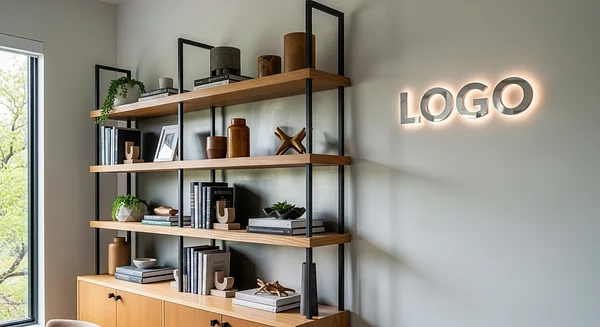
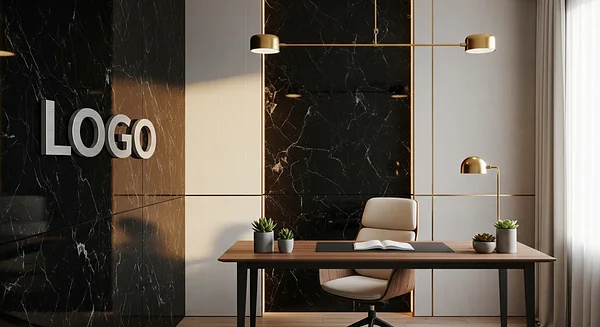
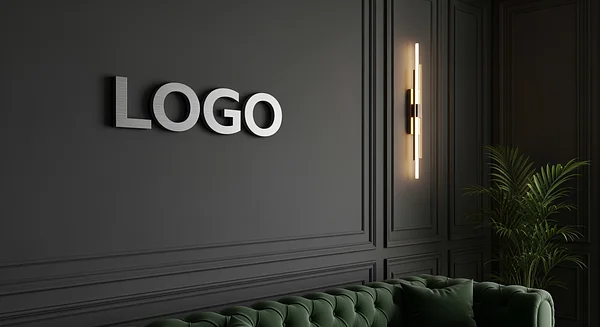
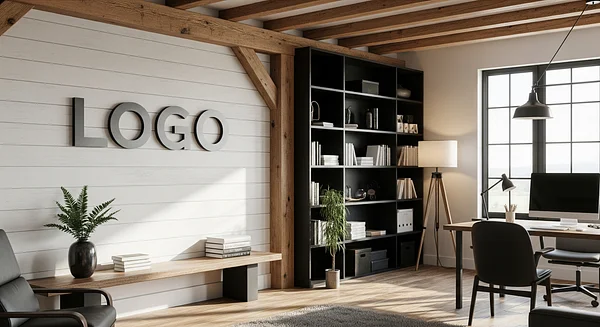
Step and repeat is perfect for events. For video calls, discover our AI-designed backgrounds that seamlessly integrate your logo into stunning professional scenes.
Popular AI Background Styles
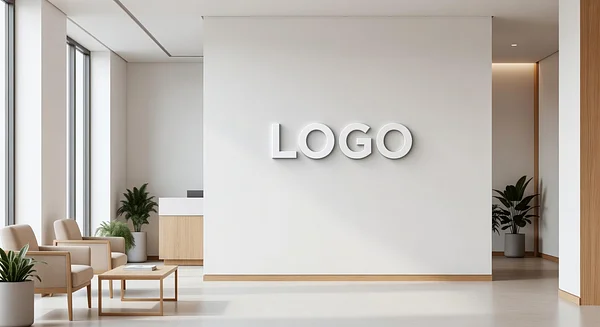
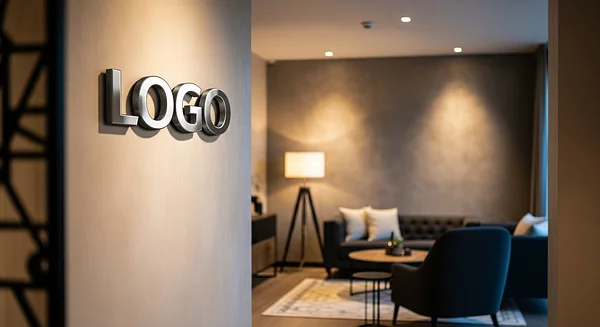
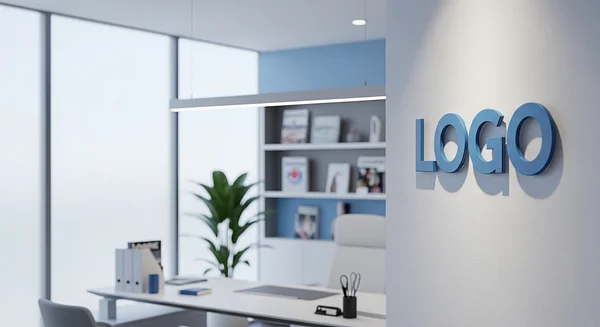
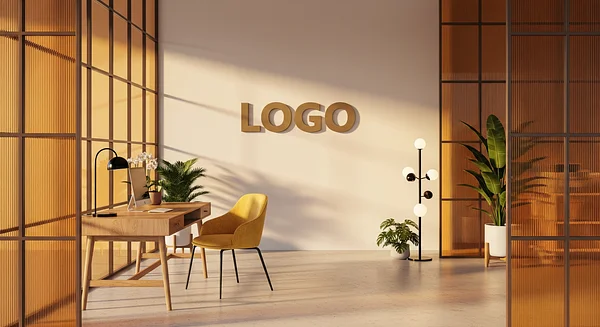
AI-Powered
Your logo intelligently integrated into each scene
High Resolution
4K quality for crystal-clear video calls
Instant Delivery
Backgrounds generated and ready in minutes
All Platforms
Zoom, Teams, Meet, Webex, and more
Join 1,000+ professionals using BrandWallPro
Step and Repeat FAQ
Common questions about step and repeat backgrounds
What is a step and repeat banner?
A step and repeat banner is a backdrop featuring a repeating pattern of logos, typically used at red carpet events, press conferences, and photo opportunities. The name comes from the process where people "step" into position, pose for photos, then "repeat" for the next photographer. It's a powerful branding tool that ensures your logo appears in every photo.
How do I make a step and repeat background?
Use our free generator above: upload your logo (PNG with transparency works best), choose between grid or offset pattern, customize the background color and logo size, then download in your preferred resolution. It takes less than a minute to create a professional step and repeat pattern.
What size should a step and repeat backdrop be?
For physical banners, common sizes are 8x8 feet for individuals, 8x10 feet for small groups, and 8x20 feet or larger for red carpet events. For digital use, 1920x1080 works for virtual backgrounds, while 6000x4000 or higher is recommended for printed banners. Our generator offers presets for all common use cases.
What's the difference between grid and offset patterns?
In a grid pattern, logos align in straight rows and columns. In an offset (brick) pattern, every other row is shifted horizontally, creating a staggered look. The offset pattern is the classic step and repeat style because it ensures logos remain visible regardless of where someone stands in front of the backdrop.
What file format should my logo be?
PNG with a transparent background is ideal because it allows the logo to blend seamlessly with any background color. JPG works but may have a white background box around the logo. SVG provides the best quality for scaling. We accept PNG, JPG, GIF, WebP, and SVG files up to 10MB.
What resolution do I need for printing?
For printed banners, you need at least 150 DPI (dots per inch) for acceptable quality, and 300 DPI for professional results. Our "Print Banner" preset creates a 7200x4800 pixel image at 300 DPI, suitable for banners up to 24x16 inches at full quality or larger with slight reduction.
Can I use this for Zoom virtual backgrounds?
Absolutely! The "Zoom/Teams" preset creates a 1920x1080 image perfect for virtual backgrounds. This is great for branded company calls, webinars, or creating a consistent look across your team's video meetings. Just download and upload to your video conferencing app.
How do I print a step and repeat backdrop?
Download the high-resolution PNG from our generator using the "Print Banner" or "Event Backdrop" preset. Then send the file to a local print shop or online banner printing service. They can print on vinyl, fabric, or other materials and provide hardware like stands and frames.
Is this step and repeat generator really free?
Yes, 100% free with no watermarks. You can download preview images immediately, and high-resolution exports require only an email address. We're able to offer this for free as part of BrandWallPro, where we also offer AI-generated branded backgrounds for video calls.
Can I add multiple logos to my step and repeat?
Our current generator supports single logo patterns. For multi-logo step and repeat designs (common for sponsored events), you can create a single image combining your logos in graphic design software, then upload that combined image to our generator for the repeating pattern.
More Free Tools
Explore our other free branding tools
Video Background Replacer
Remove and replace video backgrounds with AI. Record or upload videos and add professional branded backgrounds.
Email Signature Generator
Create professional email signatures with your photo, logo, and social links. Works with Gmail, Outlook, and Apple Mail.
AI Branded Backgrounds
Browse our collection of AI-generated virtual backgrounds with your logo professionally integrated.
Looking for free virtual backgrounds?